
Electronic balances and laboratory electronic balances are widely used in laboratory testing, industrial inspection and precision weighing. Most precision electronic balances support computer data transmission. However, many users face the common problem: the electronic balance works normally but cannot transmit weighing data to the computer.
Most connection failures are caused by wrong wiring, incorrect parameters and software settings, not equipment damage. Here is an easy guide to fix electronic balance data transmission problems.
一、Check Electronic Balance Connection
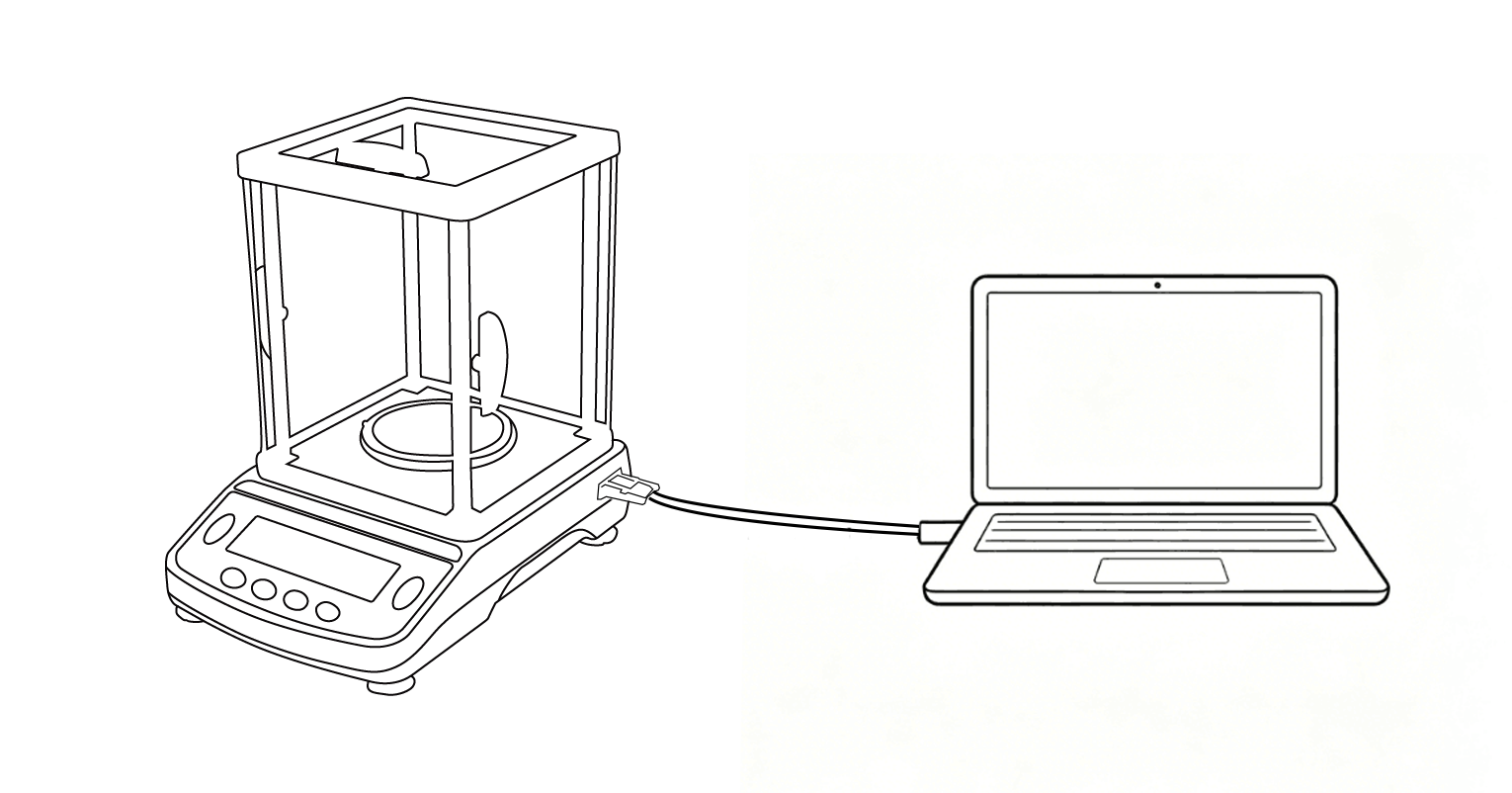
1).Wrong connection cables are the main cause of electronic balance no data issue. RS232 electronic balance needs a professional cross-over cable. Please use original cable and USB2.0 port to avoid compatibility errors.
2). Check whether the interface is loose or oxidized to ensure stable connection of the electronic balance.
二、Check Driver and COM Port
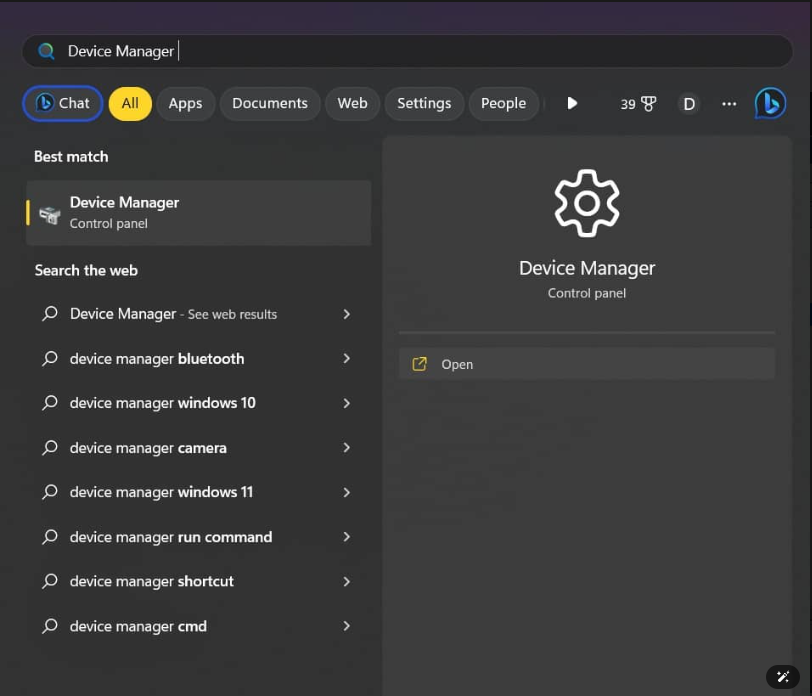
Driver errors will cause the computer to fail to recognize the electronic balance. Reinstall the correct driver if there is a yellow error mark in device manager.
Confirm the correct COM port number. Mismatched COM port will lead to electronic balance data transmission failure.
三、Match Communication Parameters
Mismatched communication parameters are the core reason for electronic balance no data output.
Standard parameters for electronic balance:
Baud rate:9600, Data bit:8, Stop bit:1, Parity:None
The above are the default communication protocol parameters for our BDS electronic balances. Set the same parameters on the computer software.
四、Turn on Balance Data Output Mode
Most precision electronic balances turn off data output by default. Users need to manually enable the transmission mode.
Switch the electronic balance to continuous output/ key trigger output/Output after stabilization mode to enable data transmission.
Most electronic balance data transmission problems can be solved by checking connection, driver, COM port, communication parameters and output mode. Standard settings ensure long-term stable connection for laboratory electronic balances and precision electronic balances.